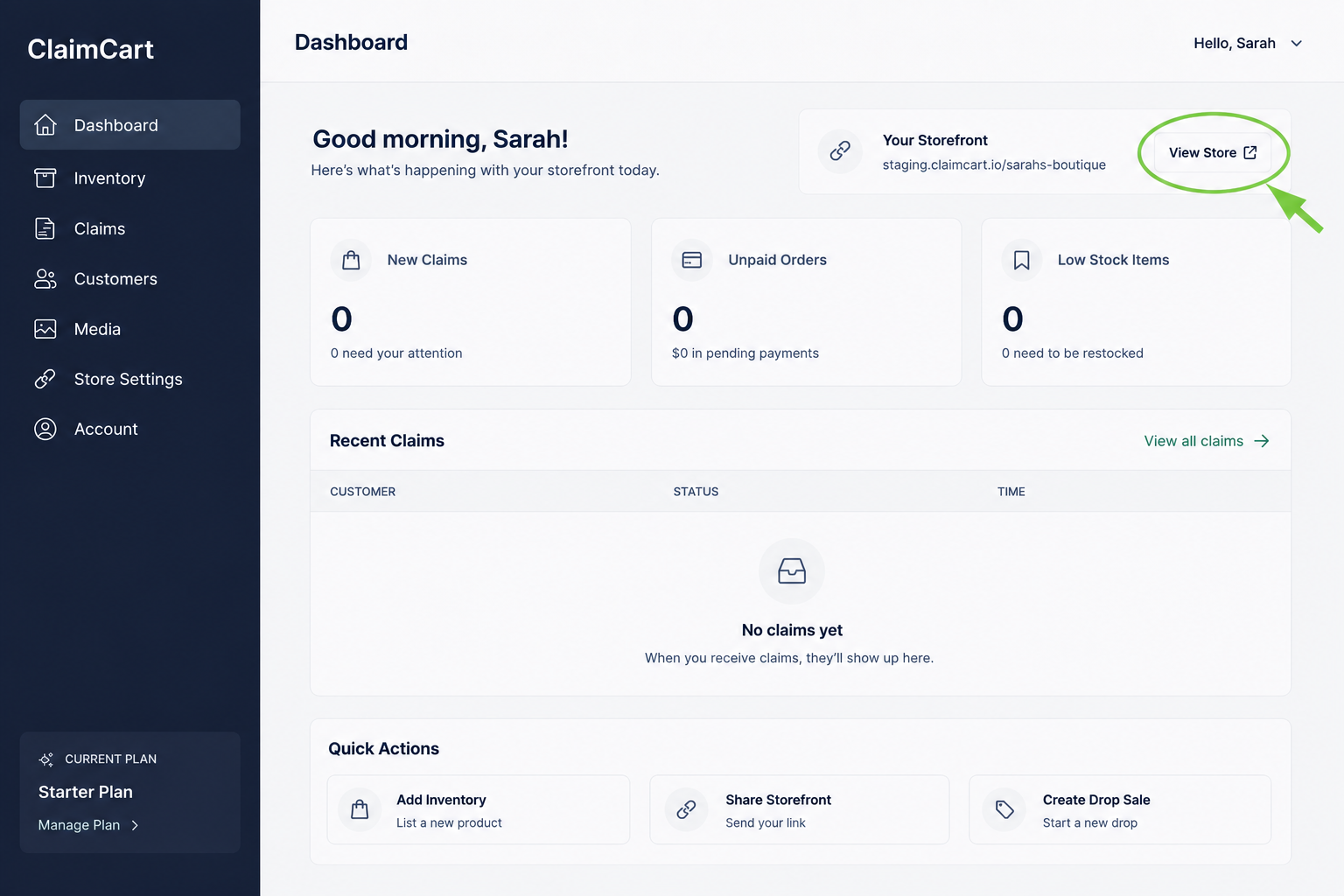
How to Share Your ClaimCart Storefront
Ready to start selling? Learn how to share your ClaimCart storefront with customers using one simple link. This guide shows you how to copy your storefront link and share it on social media, in text messages, by email, or anywhere you connect with customers. Once shared, shoppers can browse your products and start claiming items in just a few clicks.
Open Your Dashboard
Sign in to your ClaimCart account to access your Dashboard. This is where you can manage your storefront, inventory, customers, claims, and account settings.
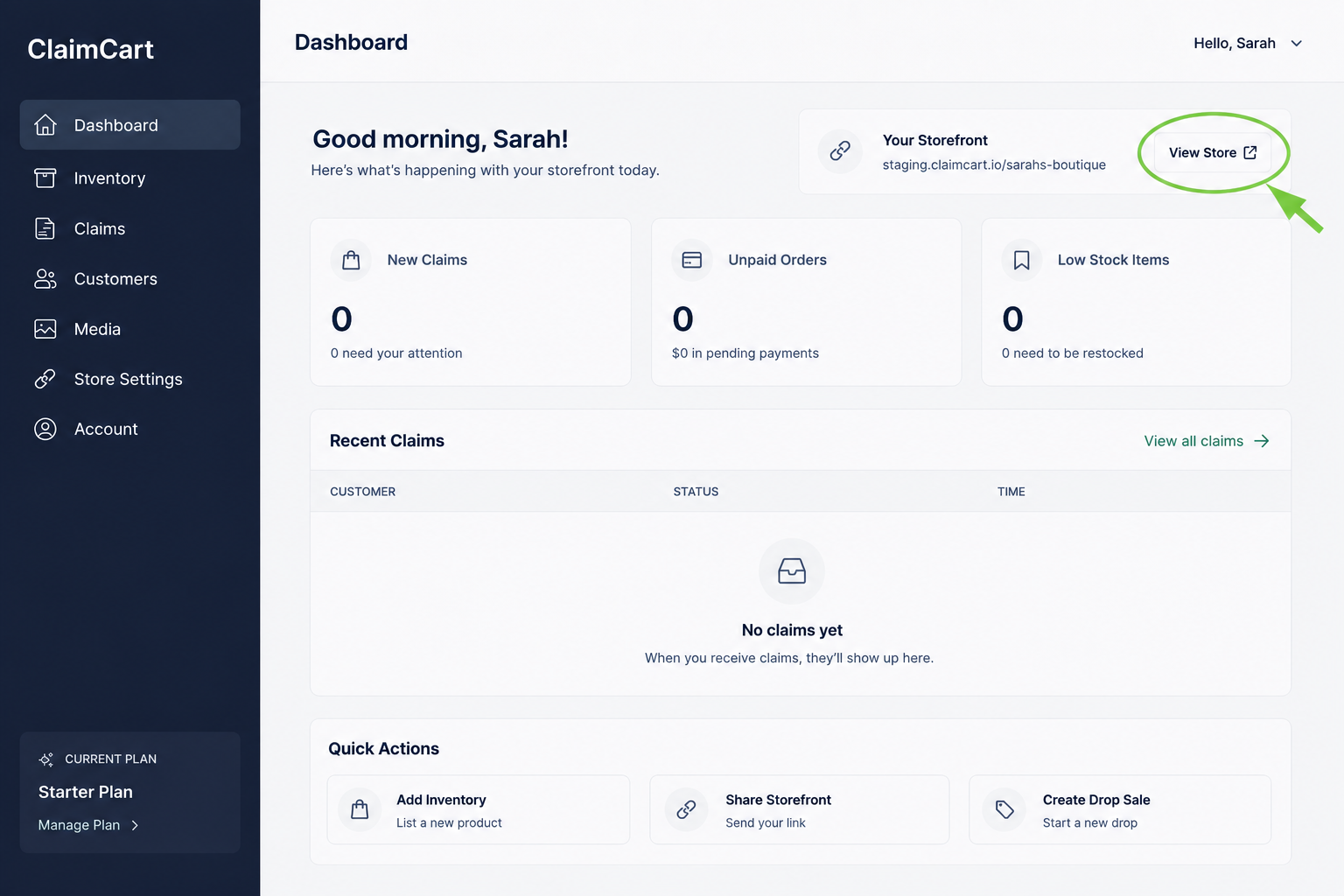
2. Click view Store
From your Dashboard, click View Store in the top-right corner. Your storefront will open in a new browser tab, ready for you to copy and share with your customers.